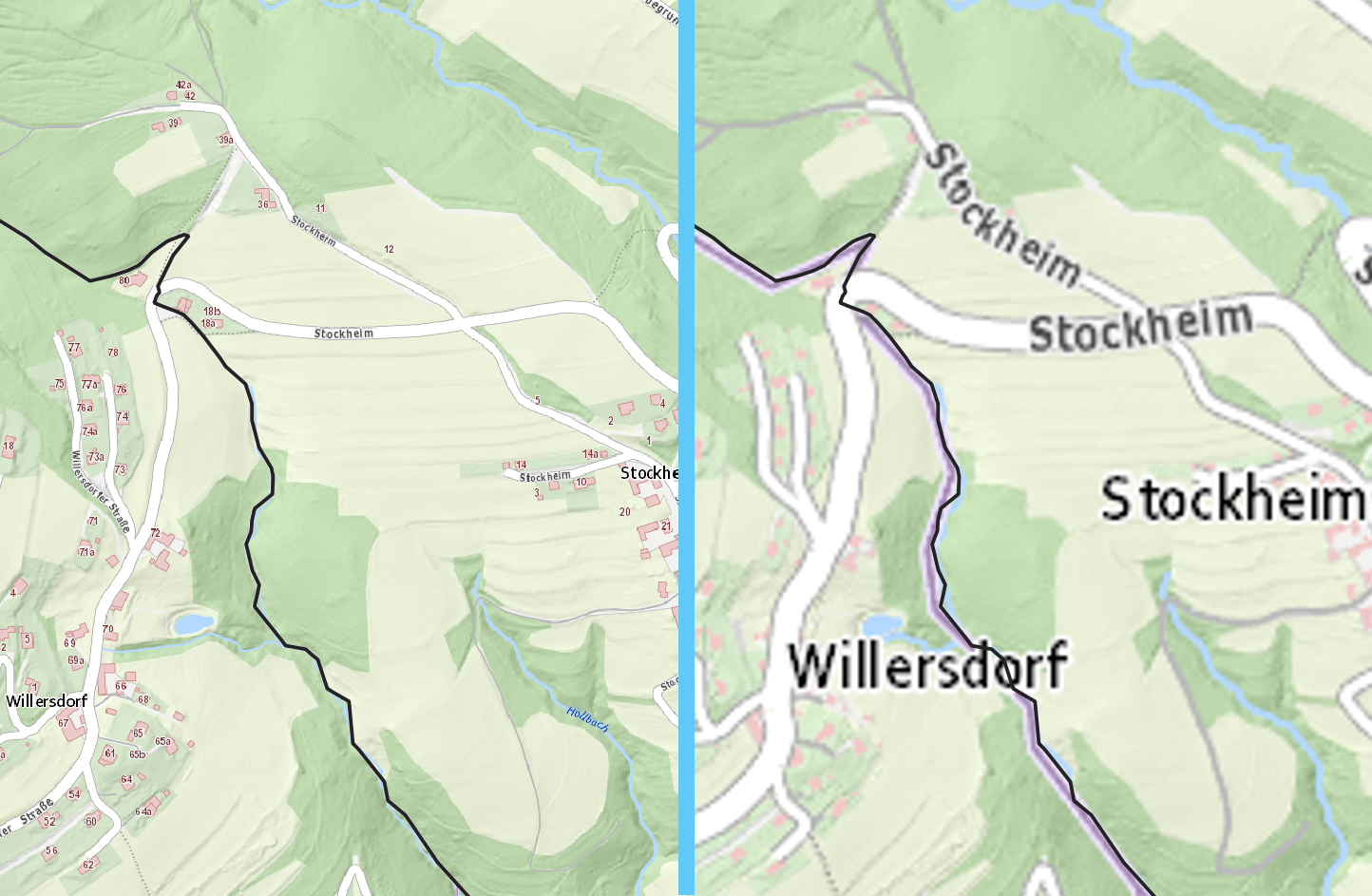
The high resolution in printouts may lead to illegible basemaps. With XYZ-Tiles, one can specify the “Max. Zoom Level” in the connection properties. I found no easy way to limit the zoom level for WMTS layers. But there is a workaround.
Download the capabilities.xml to your project folder. For example, open https://basemap.at/wmts/1.0.0/WMTSCapabilities.xml in the browser, press Ctrl+S, navigate to the project directory, and hit save. Open the file with your favorite text editor. Towards the end of the file, one finds the TileMatrix definitions for the various zoom levels. Delete unneeded entries or make them an xml-comment by putting <!-- and --> around them:
<!-- The comment starts here
<TileMatrix>
<ows:Identifier>18</ows:Identifier>
[...]
</TileMatrix>
<TileMatrix>
<ows:Identifier>19</ows:Identifier>
[...]
</TileMatrix>
The comment ends here -->
Locate the xml-file in the QGIS Browser panel and add the layer to the project.
For a smoother look when zoomed in, pull up the layer’s symbology and set “Zoomed: in ” to “Cubic”. The setting can be found in the layer properties dialog or the “Layer Styling” panel.